PILLAR 03 · PRACTICAL HOT WALLET GUIDEN° 03

Mastering Your Hot Wallet with Rabby Wallet

From safe installation to reading a Web3 and RWA transaction simulation: the concrete step-by-step handbook.

A 'hot wallet' is an internet-connected wallet (browser extension or mobile app) used for daily interactions with Web3 applications and RWA platforms. In this practical guide, we use Rabby Wallet: the leading open-source wallet for Ethereum and EVM networks, built to simulate every transaction in plain language before you sign.

SimulationSee before you sign

Rabby dry-runs every transaction and shows you the exact tokens leaving and entering your wallet.

Multi-ChainAutomatic network switch

No more network errors: Rabby automatically detects whether an RWA dApp runs on Ethereum, Arbitrum, Base, or Polygon.

ApprovalsPermission control

A built-in dashboard lists every smart contract allowed to spend your tokens and lets you revoke access in one click.

STEP-BY-STEP INTERACTIVE TUTORIAL · RABBY WALLET

The 6 Concrete Steps to Set Up and Use Rabby Wallet

Select each step to inspect the corresponding Rabby screen and its golden security rule.

STEP 01 / 06INSTALLATION & VERIFICATION

Install Rabby Wallet from the Official Source

Download the official extension from rabby.io (published by DeBank) and pin it to your browser toolbar.

  1. Go exclusively to https://rabby.io (never click on sponsored search engine ads when downloading a wallet).
  2. Select the extension for your browser (Chrome, Brave) or the mobile app, and verify that the publisher is DeBank.
  3. Once installed, click the puzzle icon in your browser toolbar and pin the blue Rabby icon so it stays visible.

Golden Rule #1: Always verify the exact `rabby.io` domain and official store publisher before installing any wallet extension.

PRE-SIGNATURE INSPECTION LAB

How to Read a Rabby Simulation: Legitimate Transaction vs Trap

Rabby Wallet’s superpower is translating smart contract code into net balance changes before you sign. Test these 3 real-world cases:

REQUESTING DOMAIN (ORIGIN)✓ https://app.ondo-rwa-example.org
CALLED METHODMint RWA Token (Tokenised Bond Subscription)
RABBY PREVIEW: ESTIMATED BALANCE CHANGE
USDC (Stablecoin)- 1,000.00 USDC
OUSG-RWA (Tokenised Treasury Bond)+ 9.42 OUSG-RWA
Simulation matched · Contract verified for 420 days

Rabby confirms you are exchanging exactly 1,000 USDC for 9.42 RWA fund shares. No hidden permissions are granted.

SAFE TO SIGN: The outgoing USDC matches the incoming RWA security token on the verified domain.

SECURITY SELF-CHECK

The 6 Habits of a Self-Sovereign User

READINESS SCORE2 / 6

ARCHITECTURAL CROSS-SECTION

Hot Wallet vs Cold Wallet: Which Setup Should You Use?

Just as you use a pocket wallet for daily spending and a vault for long-term savings, Web3 combines two complementary wallet types.

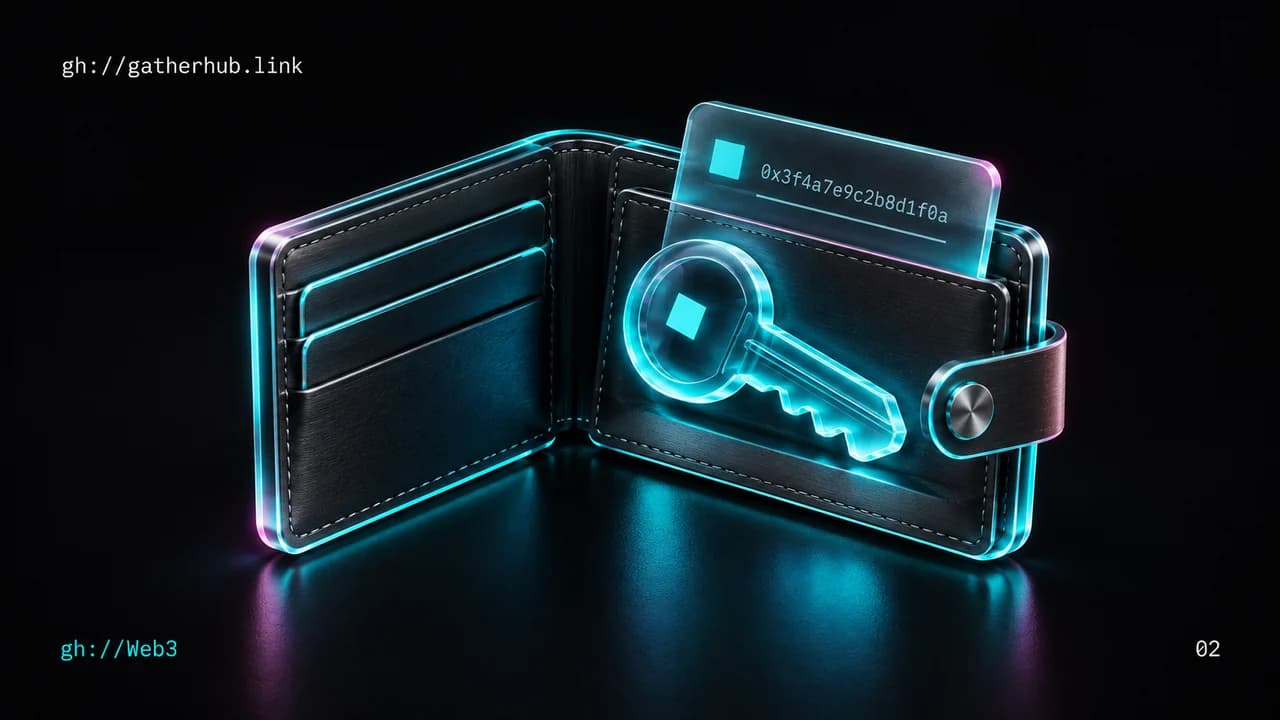
01DAILY INTERACTION

Hot Wallet (e.g., Rabby Wallet)

Browser extension or mobile app connected to the internet for fast interaction with dApps.

MECHANISM

Your private key is encrypted locally on your device with your password. Ideal for connecting, exploring, and managing active funds.

PROOF & VERIFICATION

Free, instant, and equipped on Rabby with a pre-transaction simulation engine and anti-phishing alerts.
02HARDWARE VAULT

Cold Wallet / Hardware Wallet (e.g., Ledger, Trezor)

Dedicated physical device whose secure chip never exposes your private key to your computer.

MECHANISM

Even if your computer is compromised, every transaction must be physically confirmed by pressing buttons on the hardware device.

PROOF & VERIFICATION

Essential as soon as your holdings (long-term crypto or significant RWA positions) exceed what you would comfortably carry in cash.

03THE GOLD STANDARD

Rabby Wallet (Interface) + Hardware Wallet (Signer)

Combine Rabby’s simulation clarity with the physical isolation of a hardware wallet.

MECHANISM

Connect your hardware wallet into Rabby: Rabby scans risks and simulates balance changes on screen, while your physical device signs the final step.

PROOF & VERIFICATION

This is the standard setup used by Web3 professionals and RWA investors.

COMPARISON MATRIX

Why Rabby Wallet Outperforms First-Generation Wallets

DimensionUsability CriterionLegacy First-Gen WalletsRabby Wallet (Modern Security-First)
Reading a transactionOften shows raw hex data (`0x095ea7b3...`)Displays technical contract parametersSimulates net outcome: '-100 USDC / +1 RWA Token' before signing
Network switchingConstant manual pop-ups to switch chainsShows balances one network at a timeUnified multi-chain view and automatic network selection
Risk detectionMinimal contextual warningsLimited contract age visibilityBuilt-in security scanner: warns on unverified contracts or phishing traps
Managing token approvalsRequires external third-party tools (e.g., Revoke.cash)Hidden deep in settingsNative 'Approvals' tab inside the wallet to revoke in 2 clicks

CRITICAL PERSPECTIVE

The 6 Security Commandments of a Hot Wallet

What the Architecture Guarantees

  • Your Rabby unlock password encrypts the wallet on that specific computer: it protects against local device snooping.
  • Your Seed Phrase (12 or 24 words) is the universal mathematical root: it restores your funds on any compatible wallet.
  • Signing a login message (`Sign-In with Ethereum`) is free and never grants permission to move your funds.

What Requires Your Vigilance

  • NEVER type your Seed Phrase into a website, support form, or cloud document: no legitimate service will ever ask for it.
  • Watch out for Unlimited Approvals on unfamiliar apps: adjust the exact spending cap inside Rabby.
  • Separate your roles: use an 'Exploration' `0x` address for testing new dApps and a 'Vault' `0x` address for holding RWA assets.

FREQUENT QUESTIONS

Plain-Language Answers

If I uninstall the Rabby extension or my computer breaks, are my funds lost?

No — as long as you wrote down your 12-word Seed Phrase on paper. Simply install Rabby on a new device, click 'Import Seed Phrase', and all your addresses and assets will reappear immediately.

Can I switch from MetaMask to Rabby without paying transaction fees?

Yes! Because your Web3 address lives on the blockchain rather than inside a specific brand of software, you can import your existing Seed Phrase or private key into Rabby for free without moving any tokens.

What is the difference between 'Connecting a wallet' and 'Signing an Approval'?

Connecting your wallet simply lets a website see your public `0x...` address to display your portfolio (zero risk to funds). Signing an Approval transaction, however, authorises a smart contract to spend a specific token — always check Rabby’s simulation screen before confirming.

IN-DEPTH GUIDES

Explore Each Mechanism Step by Step